Choosing a website builder for affiliate marketing is not only about making a good-looking website. You need a platform that can support useful articles, affiliate links, search traffic, email subscribers, and future growth.
The cheapest or easiest platform today may not be the best choice two years from now. So it is wise to look at both your present needs and what may happen as your website grows.
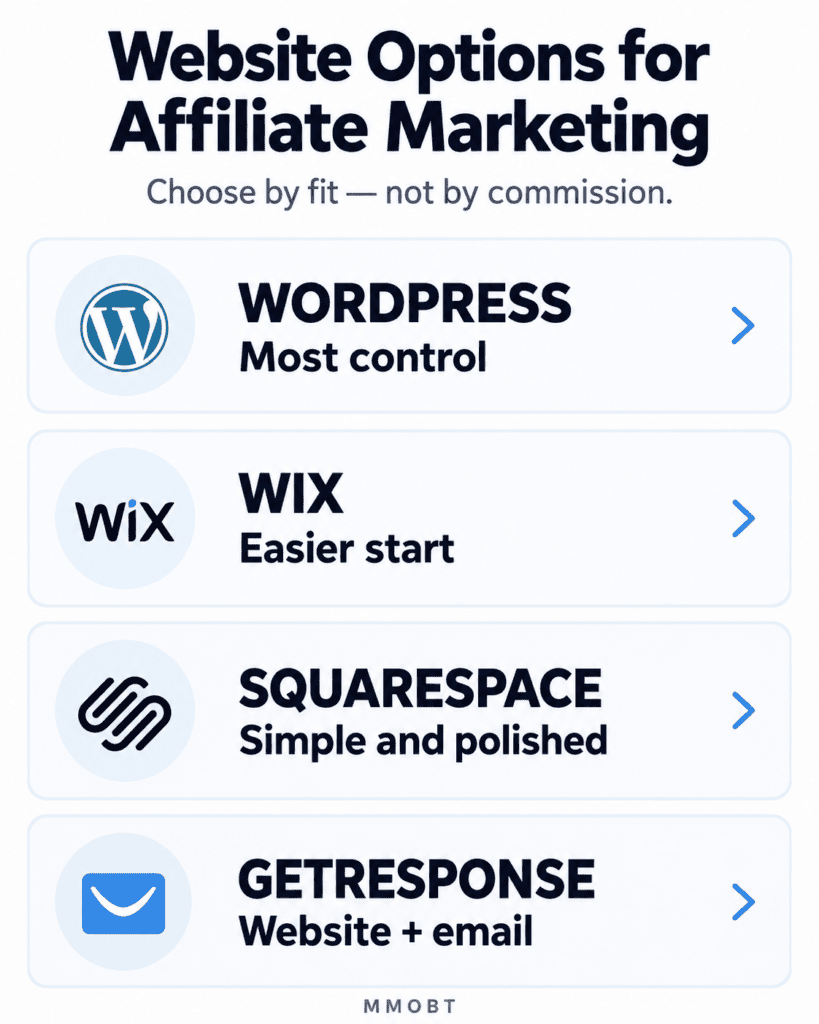
| Quick Answer You do not always need a website to begin affiliate marketing. A website can still be very useful for a long-term content business. It can help you publish deeper articles, attract search traffic, collect email subscribers, and keep more control. For many beginners who are willing to learn basic setup, self-hosted WordPress is the strongest long-term option. Wix is easier for an all-in-one start. Squarespace suits people who want a simple, polished managed site. GetResponse fits best when website and email marketing need to work together. There is no universal winner. Compare cost, ease, control, content needs, email needs, and how easy it will be to move later. |
1. Why This Matters
A website can become an important part of an affiliate-marketing business. You can use it to answer questions, compare products, explain problems, help readers trust your advice, and help them choose what is right for them.
But choosing the wrong website service can cause problems later. You may find that important tools cost more than you expected. You may also find that taking your website to another service is difficult.
This is why we should not ask only, “Which website builder is easiest?”
We should also ask, “Will this website still serve me when I have 50, 100, or 500 useful articles?”
So, think about the future too.
2. What an Affiliate-Marketing Website Actually Needs
Before comparing companies, first understand what the website must do.
Your affiliate website needs to let you publish useful content clearly. That includes lessons, reviews, comparisons, answers to questions, images, and helpful links.
It should also provide useful search engine optimization (SEO) tools. SEO means making your website easier for search engines such as Google to understand. It also helps Google show your pages to people who are searching for that information.
You should be able to control basic items such as page titles, descriptions, web addresses, indexing, headings, image ALT text, and important links.
Affiliate links also need to be set up correctly. Google uses labels such as sponsored and nofollow on links. These labels help Google understand what kind of link it is.
Wix, for example, currently lets users add nofollow and sponsored attributes directly to links through its advanced SEO settings.
Your website should also make it possible to collect email subscribers. This helps you continue teaching readers after they leave the website.
Analytics matter too. Analytics means information that helps you understand what visitors do on your website, such as which pages they visit or which links they click.
Finally, think about control.
Ask what will happen if you later want to change your hosting company or move to another website platform. This is where platform lock-in becomes important.
Platform lock-in means it is difficult to move away from a service without losing work or rebuilding part of your website.
3. How We Compared the Website Options
We did not choose a winner according to which company might pay MMOBT the highest affiliate commission.
We looked at the beginner’s real job first: building useful affiliate content and developing a website that can grow.
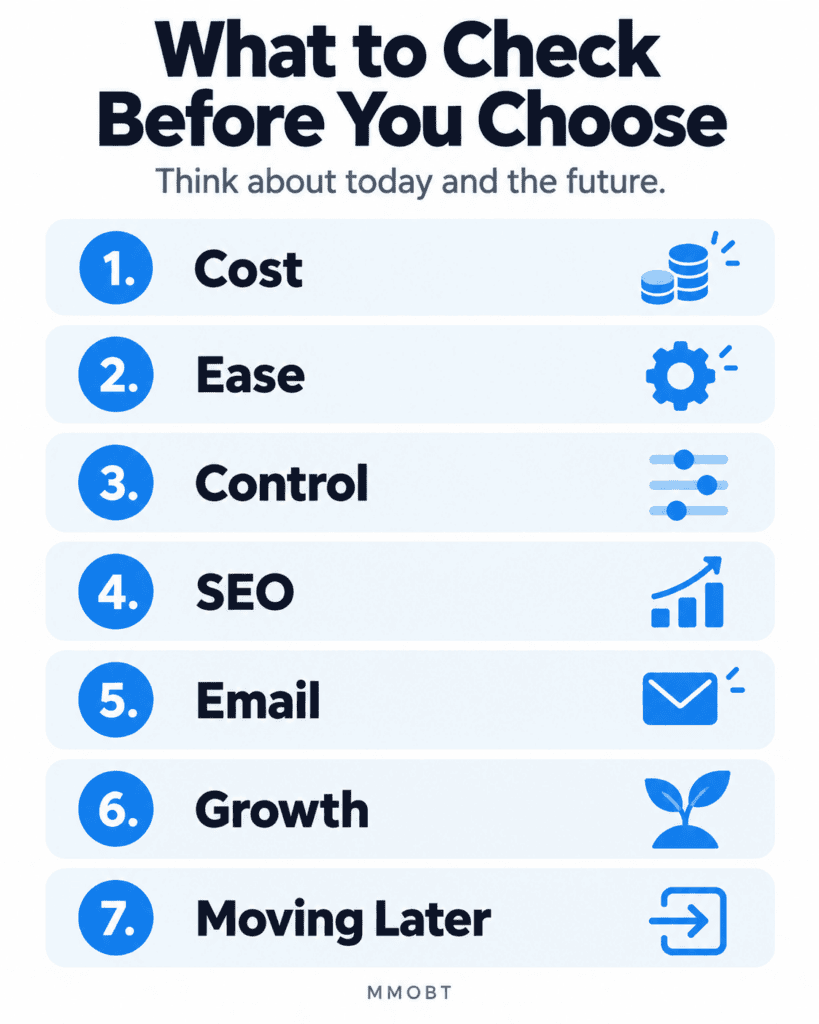
For each option, we considered seven main questions:
Cost: What must the beginner pay now, and what may the continuing cost become?
Ease: How difficult is it to build and manage the website?
Control: How much can you control your website and what is on it?
SEO: Does the website service give you the tools you need to help people find your articles through search engines?
Email: Can the website collect subscribers and work with email services?
Growth: Can the website service still work well as your website gets bigger?
Moving later: How hard will it be to move your website, articles, or domain name to another service?
4. Short Comparison of the Four Website Options
| Option | Quick decision |
| Self-hosted WordPress | Best for: People who want strong control and plan to publish many useful articles. Main limit: It takes more time to set up and learn. Cost: WordPress software is free. You still pay for website hosting, your domain name after any free period, and any paid tools you choose. Control: Very strong. |
| Wix | Best for: Beginners who want an easier website service that includes most things in one place. Main limit: Moving the whole website to another service can be difficult. Cost: Wix has a free option for testing. When we checked on 12 September 2026, the Light plan was about $18 a month with yearly billing. Wix says the price can change depending on your location and taxes. Control: Good while you stay with Wix, but it is harder to move the whole website elsewhere. |
| Squarespace | Best for: Beginners who want a simple website that looks professional. Main limit: You can move some of your website content, but not everything. Cost: Squarespace does not have a permanent free plan. It offers a 14-day free trial, then you must choose a paid monthly or yearly plan. Control: Moderate. |
| GetResponse | Best for: People who want their website and email marketing tools in one service. Main limit: It may cost more than you need if you only want a website. Moving the whole website to another service is also less clear. Cost: When we checked, the Creator plan was $69 a month, or about $56.58 a month when paid yearly. Control: Good inside GetResponse, but you have less freedom than with self-hosted WordPress. |
Prices and plan details were rechecked on 12 September 2026. They can change and may vary by country, tax, promotion, and billing term. Always confirm the official checkout price before paying.
For beginners who want to build a long-term affiliate website with many useful articles, self-hosted WordPress is our strongest overall choice.
But that does not make it the right choice for everyone.
If you want something easier to manage and do not need as much control, Wix or Squarespace may suit you better. If email marketing is already a big part of your business, GetResponse may be worth considering.
5. Detailed Reviews of Each Option
Self-Hosted WordPress — Best for Long-Term Control
Self-hosted WordPress means that you use the WordPress software on hosting that you choose.
WordPress is free software that you can use with your own hosting. You can add themes and plugins to give your website more features. WordPress also gives you control over your website data. Its export tools let you move many parts of your website, such as posts, pages, categories, comments, and other content, to another WordPress website.
This freedom is one of the main reasons WordPress is a strong choice for affiliate marketers.
You can start with a small website. As your website grows, you can add SEO tools, email forms, comparison tools, visitor tracking, and other features.
You also do not need to pay for a separate page builder when you begin. WordPress already has its own editing system. A tool such as Elementor is optional.
What does self-hosted WordPress cost?
There is no single WordPress price because hosting companies charge different amounts.
For example, Hostinger currently advertises its Premium WordPress hosting at $2.99 a month if you pay for 48 months in advance. That comes to $143.52 for the full 48 months. After that, the plan is currently listed to renew at $10.99 a month. It also includes a free domain name for the first year. Prices can change, so always check the current price on Hostinger’s website before you pay.
This example also shows why you should never judge hosting only by the introductory price.
The renewal price matters.
Main strength
The main strength is control.
You can change hosting companies. You can export your content. You have a very large choice of themes and plugins. WordPress can also support a very large content website.
Main weakness
There is more to learn.
Someone must understand hosting, updates, themes, plugins, backups, security, and basic website management. A good managed host can reduce some of this work, but WordPress still gives the owner more decisions to make.
Choose self-hosted WordPress if you want strong long-term control and are willing to learn the basics.
Choose something else if you want one company to handle nearly everything and you do not want to manage technical choices.
Wix — Best for an Easier All-in-One Start
Wix combines the website builder and hosting in one service.
This can make the beginning easier. A new user does not have to choose a separate hosting company and then install website software.
Wix currently offers a free plan for testing. When checked on 12 September 2026, its Light plan was shown at about $18 per month on a yearly subscription. Wix says prices vary by location, and taxes can change the final price.
Wix also gives you useful SEO tools. You can change page titles, descriptions, web addresses, and settings that help search engines understand your pages. Wix also lets you mark links as nofollow or sponsored when needed.
The important Wix limitation
The main concern with Wix is what happens if you want to move later.
A Wix website must stay on Wix’s system. Wix also says that blog posts cannot currently be exported to another website platform.
Your domain name is different.
If you bought your domain through Wix, you can usually transfer the domain to another company. But moving your domain name does not mean you can move your whole Wix website with it.
That is an important difference to understand before you choose Wix.
Choose Wix if you want an easier system where one company handles most of the website work, and you are less concerned about moving the whole website later.
Choose something else if you already know that you want strong freedom to move your entire website later.
Squarespace — Best for a Simple, Polished Website
Squarespace is another website service that includes hosting. You build and manage your website in one place with Squarespace.
Squarespace includes useful tools for SEO, contact forms, email signups, visitor information, website design, and mobile-friendly pages.
Squarespace does not have a permanent free plan. It offers a 14-day free trial. If you choose a yearly plan, the average monthly cost is usually lower than paying month by month. A yearly plan may also include a free custom domain name for the first year.
Squarespace also permits affiliate links. Its support documentation specifically explains how users can place Amazon Associates affiliate links on a Squarespace website.
The important Squarespace limitation
Moving away is possible, but not everything moves.
Squarespace can export certain website content into an XML file for import into WordPress. However, Squarespace clearly states that not everything can be exported because some features depend on Squarespace’s own technology.
Squarespace makes it easier to move some of your content than some other website services. But it still gives you less freedom to move everything than self-hosted WordPress.
Choose Squarespace if you want a website that looks professional, is easier to manage, and needs less technical work.
Choose something else if you want more control, more choices for adding tools, and an easier way to move your whole website later.
GetResponse — Best When Website and Email Work Together
GetResponse is different from the other choices because its main strength is not only website building.
It combines websites with email marketing, forms, subscriber management, automation, and other marketing tools.
Its Website Builder lets you use your own domain name, use SEO tools, view website reports, and build pages by dragging and placing items where you want them. GetResponse also includes forms and other tools for collecting email subscribers.
This may be useful if email marketing is a major part of your affiliate business.
However, the price is important to consider.
GetResponse currently lists the Creator plan at $69 a month if you pay monthly. If you pay yearly, the listed price is about $56.58 a month for the smallest list size. The Website Builder is included in this plan.
That is a high cost for a beginner who mainly wants a website for publishing articles.
What about moving later?
GetResponse lets you download different kinds of account information, such as contacts, reports, files, landing pages, and website data.
However, I did not find a simple official way to move a complete GetResponse website to another website service and rebuild it there.
So, it is not clear how easy it would be to move your whole website away from GetResponse later.
Choose GetResponse if you already need its email and marketing system and want the website closely connected to it.
Choose something else if you mainly want a website for publishing useful articles and do not need GetResponse’s larger email and marketing system yet.
6. Self-Hosted WordPress vs WordPress.com
These two names can confuse beginners.
Self-hosted WordPress uses the WordPress software on hosting that you choose.
WordPress.com is a hosted service. WordPress.com manages the hosting and provides its own plans, rules, and services.
This difference matters for affiliate marketing.
WordPress.com allows affiliate links when the website mainly publishes original, useful content. But it does not allow websites made mainly to send people through affiliate links.
This is a good rule for any beginner to follow, even when using another website service: build a useful website first. Affiliate links should support the content, not become the main purpose of the website.
7. Easiest Start vs Strongest Long-Term Control
Suppose Mary has never built a website.
She wants to start writing useful articles quickly. She becomes uncomfortable when she sees words such as hosting, plugins, databases, and backups.
For Mary, Wix or Squarespace may make the first stage easier.
Now consider John.
John expects to publish hundreds of articles. He wants to change hosts if necessary, add new tools later, and control his website structure closely.
For John, self-hosted WordPress may be worth the extra learning.
Another beginner may already use GetResponse for email marketing. If that person wants the website and email tools in one service and is willing to pay more, GetResponse may be a good choice.
The important lesson is simple:
Do not choose a website service just because an advertisement makes it sound good. Choose the one that fits what you actually want to do with your website.
8. What If You Need to Move or Change Your Website Later?
Many beginners think only about starting.
It is also wise to think about leaving.
Later, you may want to move different parts of your website, such as your domain name, articles, images, email subscriber information, website design, or hosting.
Some of these things are easier to move than others.
For example, Wix lets you move a domain name bought through Wix to another company. But the full Wix website must stay on Wix’s system, and Wix currently says its blog posts cannot be exported to another website service.
Squarespace can export some content, but not everything.
WordPress has built-in tools that let you export your content. You can also move a self-hosted WordPress website from one hosting company to another.
GetResponse lets you export different kinds of data. But we did not find a simple official way to move a complete GetResponse website to another website service.
This does not mean one service is bad.
It simply means that an easy start today may give you less freedom to move later.
So, think about both before you choose.
9. Common Mistakes to Avoid
Choosing only by price. A low starting price can become much higher when the plan renews. Check both the starting price and the renewal price.
Choosing by affiliate commission. A company that pays a higher commission is not automatically the best choice for the reader.
Buying too much too soon. A beginner does not need every paid plugin, marketing tool, or advanced feature at the beginning.
Not thinking about moving later. Changing to another website service can take time and money. Find out what you can move before your website becomes large.
Confusing website tools with affiliate-program tools. You need tools to publish your own affiliate articles and links. A business that wants to manage its own affiliates needs different tools.
Thinking free is always best. A free plan can be useful for learning and testing. But it may not give you the domain name, control, space, or tools you need for a long-term website.
10. Practical Action: Choose the Best Option for You
Before paying for anything, write down your answers to these five questions:
- Budget: How much can I comfortably pay during the first year and after renewal?
- Technical comfort: Am I willing to learn some website management, or do I want an all-in-one service?
- Content plan: Am I building a small site or a large website with many articles and comparisons?
- Email plan: Do I simply need to connect an email form, or do I want the website and email system inside one service?
- Long-term control: How important is it that I can move my content and website later?
Then compare only the two options that best fit your answers.
Do not open ten website-builder pages and try to understand everything at once.
Narrow the choice first.
Then check the current official plan, renewal price, features, terms, and refund conditions before paying.
11. Key Points to Remember
- There is no single website builder that is best for every affiliate marketer.
- Self-hosted WordPress gives strong long-term control for publishing many useful articles.
- Wix gives beginners an easier way to start, but moving the whole website to another service can be difficult.
- Squarespace includes hosting, professional-looking designs, useful website tools, and the ability to move some content later.
- GetResponse is strongest when the website is part of a larger email-marketing system.
- Check the renewal price, not just the low starting price.
- A movable domain is not the same as a movable website.
- Never choose a product because an affiliate commission is higher.
- Your website should help people even if they never buy through an affiliate link.
12. Your Next Step
Do not choose a website service just because someone says it is the “best.”
Use the comparison in this article to narrow your choice to one or two options.
Then visit the official website of each company. Check the current plan, current price, renewal cost, important features, and terms that apply in your country.
Choose the easiest option that meets your needs now and still gives your website room to grow later.
That is a much safer way to start.